
What you need before you start
You need an iPhone, the current version of WhatsApp from the App Store, and a GIF.
A GIF and a sticker play the same short loop, and WhatsApp treats them differently. A GIF arrives as a media message, like a photo or a video. A sticker is its own kind of message, and WhatsApp keeps stickers in a tray with Recents and Favorites, so the ones you like are easy to send again.
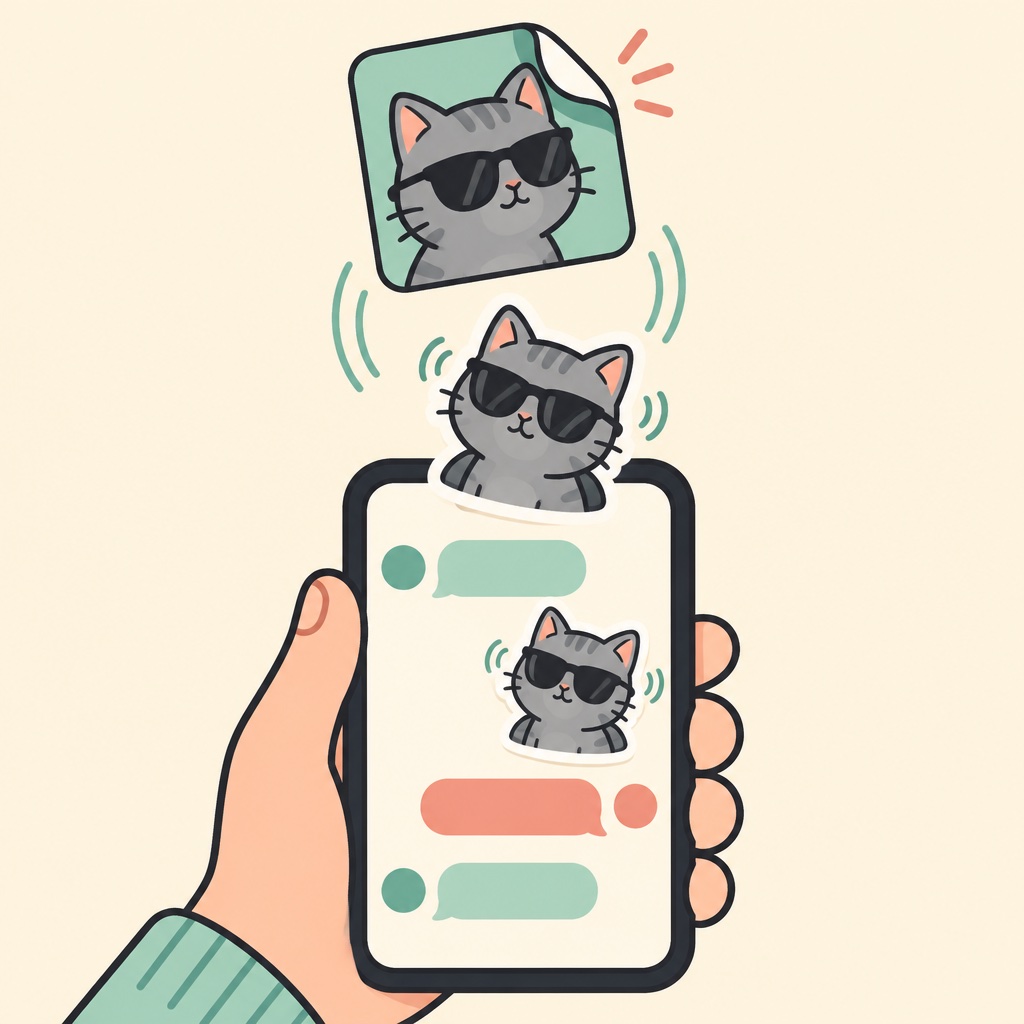
GIF to WhatsApp sticker with copy and paste
A GIF on the iPhone clipboard pastes into a WhatsApp chat as an animated sticker.
- Copy the GIF.
- Open the WhatsApp chat.
- Tap the message box and tap Paste.
- Send it.
WhatsApp's Help Center for iPhone does not describe pasting a GIF (checked on November 14, 2026), and an Edit sticker option can appear before you send.
How to copy a GIF on iPhone
The GIF has to land on the clipboard as a GIF, and a copied link does not count.
- From a WhatsApp chat, the confirmed route: touch and hold the GIF and tap Copy, or tap More and then Copy. Several guides published in November 2026 report this route, two of them from a hands on iPhone test. To find a GIF in WhatsApp, tap the sticker icon in the message box, tap GIF and search (WhatsApp Help Center). Send it in any chat first, then copy it there.
- From a web page in Safari: touch and hold the GIF itself, not a link around it, and tap Copy. Safari copies an image's own data, so a real GIF stays a GIF, and this rests on Safari's published source code. We found no published test of this route with WhatsApp, so try it with one GIF.
Photos, the Files app and other apps have a Copy option too, and they are worth one try. We found no source for them.
Why a GIF from X pastes as a link
X gives a link to the post when you copy, and published tests of copying a GIF on X ended with a link in the chat (checked on November 14, 2026). To get the same GIF as a sticker, search for it in WhatsApp's GIF search and copy it from the chat. Our guide on how to send a GIF on WhatsApp and iMessage has the steps for sending GIFs.
Save the sticker so you can use it again
WhatsApp shows the stickers you sent under Recents in the sticker tray, and lets you keep a sticker in Favorites or in a sticker pack. WhatsApp's Help Center gives these steps (checked on November 14, 2026).
- Favorites: touch and hold the sticker and tap Add to Favorites.
- A sticker pack: tap the sticker icon, tap the pencil icon, select the stickers, tap More, then Add to sticker pack. Choose a pack, or tap New, name it and tap Create.
Send a GIF as a sticker with Dappi
Dappi, a sticker and GIF app, takes a GIF from your Photos and sends it to WhatsApp as a single sticker, with no pack to fill. It fits a GIF you want to crop or caption before it goes out.
You need Dappi from the App Store, a Dappi account and the GIF saved in Photos.
- Open Dappi, tap the plus button in the middle of the tab bar and tap Free.
- Under Choose a photo or video, tap Library and pick the GIF.
- The editor opens. Drag and pinch to frame the GIF in the square. To add a caption, tap Text or Word art. Then tap Save.
- On the sticker page, tap WhatsApp.
- In the Copy to WhatsApp window, tap Copy sticker.
- Tap Open WhatsApp and open the chat.
- Tap the message box, tap Paste and send.
Dappi has no ads, so nothing interrupts you between the steps.
Dappi has limits. It sends one sticker at a time, so ten GIFs take ten rounds of these steps. A Dappi sticker is square and at most 6 seconds long.
GIF to sticker apps for iPhone
Most sticker apps work with packs. The app imports your GIF, builds a sticker pack and adds the pack to WhatsApp, which is the way WhatsApp supports for stickers made outside the app. The facts below come from each app's own App Store page, checked on November 14, 2026.
- Sticker Maker Studio: its page says it turns any photo, GIF or video into a static or animated sticker and adds your pack to WhatsApp. It is rated 4.7 from about 80K ratings. It is free and shows ads.
- WaSticker by Brain Craft: its page lists a GIF to Sticker feature in the free version, and puts stickers from videos behind its subscription. It is rated 4.7 from about 31K ratings.
- Sticker.ly: its page says it makes animated stickers from your videos and exports them to WhatsApp. It does not say that it imports a GIF file, so check that with one test before you rely on it. It is rated 4.8 from about 151K ratings and has a subscription.
Each app has its own buttons. Sticker Maker Studio's page gives the order: name a pack, add and edit your stickers, then add the pack to WhatsApp. WhatsApp needs at least three stickers in a pack, so one GIF alone is not enough.
The pack rule is WhatsApp's, not the app's. A pack needs 3 to 30 stickers, and every sticker in it has to be animated, or every one static. The most common complaints in recent low reviews of these apps are long ads before each save and subscriptions that start after a free trial. Make one full pack and add it to WhatsApp before you pay for anything.
WhatsApp's rules for an animated sticker
WhatsApp accepts an animated sticker only when the file meets its published limits. The numbers come from WhatsApp's Help Center and its sticker guide for developers, checked on November 14, 2026.
| Rule | Limit |
|---|---|
| File type | WebP |
| Size in pixels | 512 x 512 |
| File size | 500KB or less |
| Length | 10 seconds or less |
| Each frame | On screen for 8 milliseconds or longer |
| Pack | 3 to 30 stickers, all animated |
These rules apply to packs that an app adds to WhatsApp. When WhatsApp will not add a pack, check that it has at least three stickers and that all of them are animated.
Convert a GIF to a sticker file in Safari
EZGIF has a free GIF to WhatsApp sticker converter that runs in Safari and gives you an animated WebP file at WhatsApp's limits. Its page says it takes uploads up to 200MB, suggests a loop of 2 to 6 seconds and deletes files after one hour (checked on November 14, 2026).
The file alone does not finish the job on an iPhone. WhatsApp's Help Center gives no way to add a WebP file from Files or Photos as a sticker on iPhone, and EZGIF's own page sends phone users to a sticker app for that last step. It describes adding the file directly only for WhatsApp on a computer.
What WhatsApp and the iPhone do not do with a GIF
Three ways that look like they should work are not made for a GIF (checked on November 14, 2026).
- WhatsApp's sticker maker: tap the sticker icon, tap Create and you get Use a photo. WhatsApp's Help Center describes it as a sticker from a photo, with text, emoji and drawing, and does not mention GIFs or video, so do not count on it to keep a GIF's animation.
- Send as sticker: some guides, and some AI answers, tell you to pick a GIF and tap Send as sticker. The guides that describe that option place it in a keyboard on Android phones, and WhatsApp's GIF help page for iPhone lists no such option.
- Stickers in the Photos app: Apple's guide says the iPhone makes animated stickers from the subject of a Live Photo. It does not make one from a GIF file.
The ways side by side
This table compares each way in this guide by what it needs and where it stops.
| Way | Needs | Catch |
|---|---|---|
| Copy and paste | A GIF you can copy | Not in WhatsApp's Help Center |
| Dappi | A GIF saved in Photos, a Dappi account | One sticker at a time |
| Pack sticker app | A GIF saved in Photos | Packs of 3, ads or a subscription |
| EZGIF in Safari | A GIF file | Still needs a sticker app |
| WhatsApp's Create | A photo | Made for photos, not GIFs |